Mac App Store

Classycal for Mac

Your calendars and reminders on the big screen, and one command for everything, from any app. Free on the Mac App Store.

Download on the Mac App Store
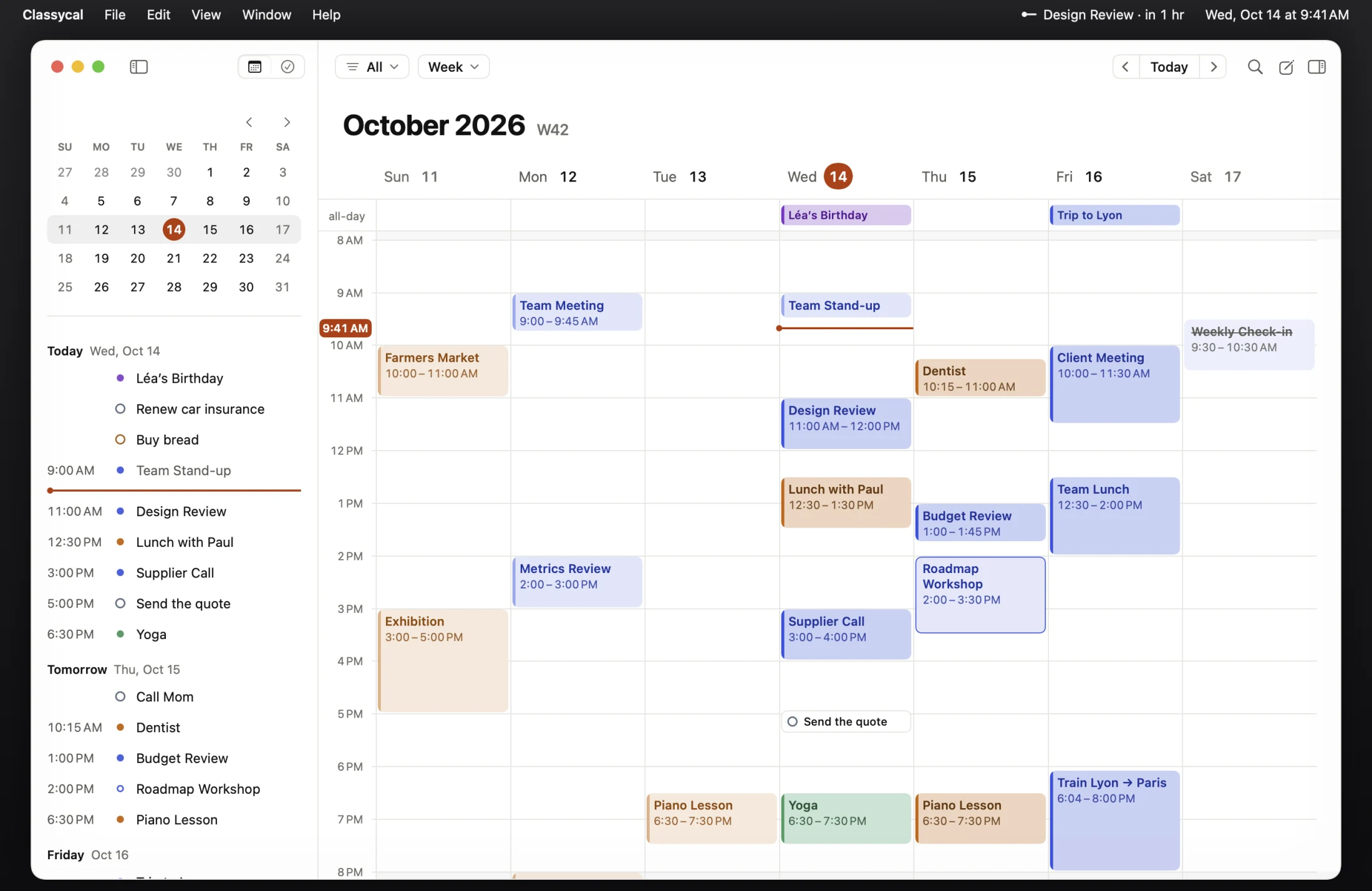
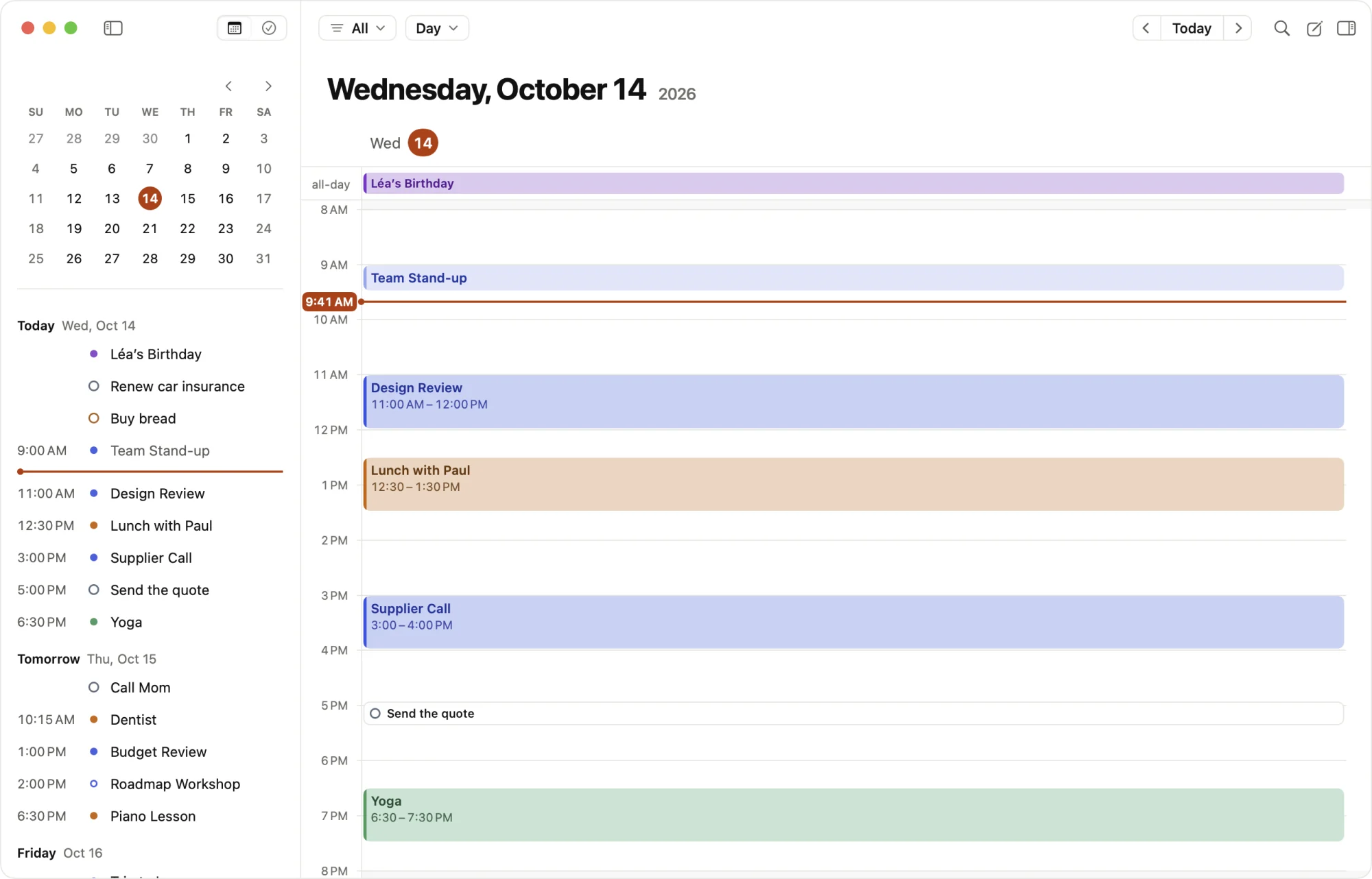
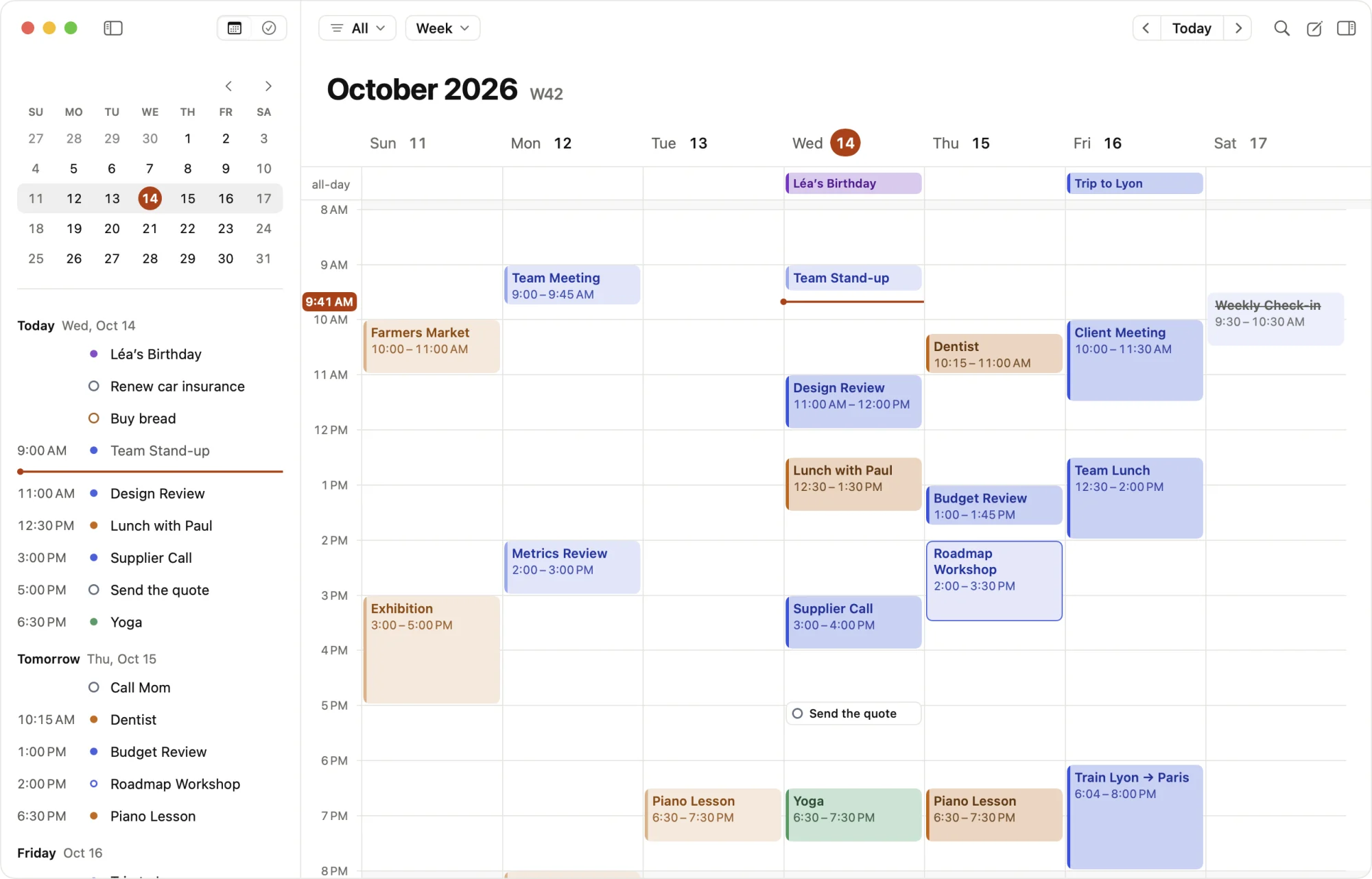
Classycal’s window on a Mac: the small month and the agenda beside the week, the line of the current hour at 9:41 AM.

Twelve themes. Six accents. Two fonts.

White · Brick

One command for everything

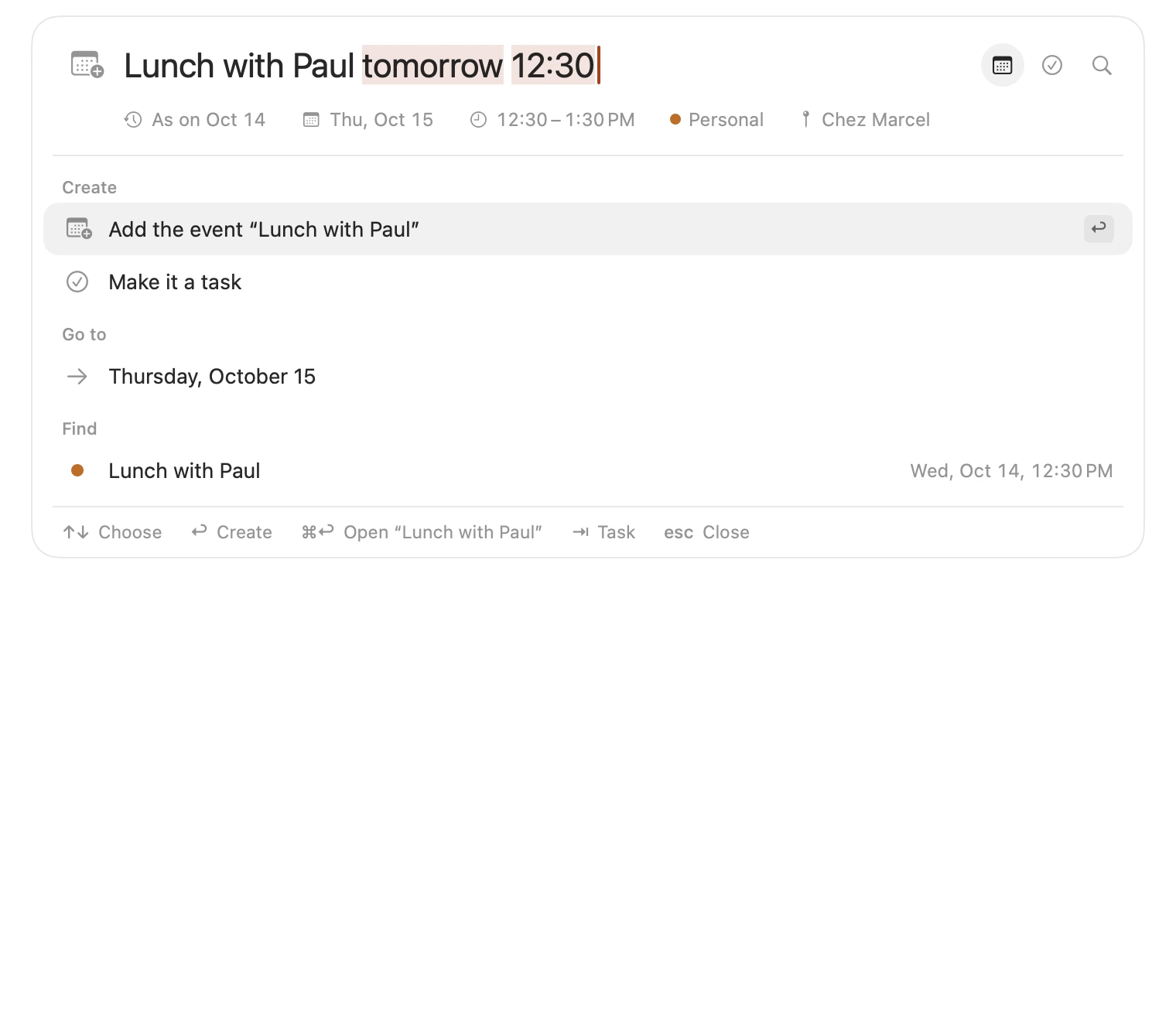
Press ⌥⌘K in any app, or just ⌘K in Classycal, and write as you’d say it. Create an event or a task, search, go to a date: it all starts from the same bar.

The command bar: “Lunch with Paul tomorrow 12:30”, ready to become an event.

Your week whole.

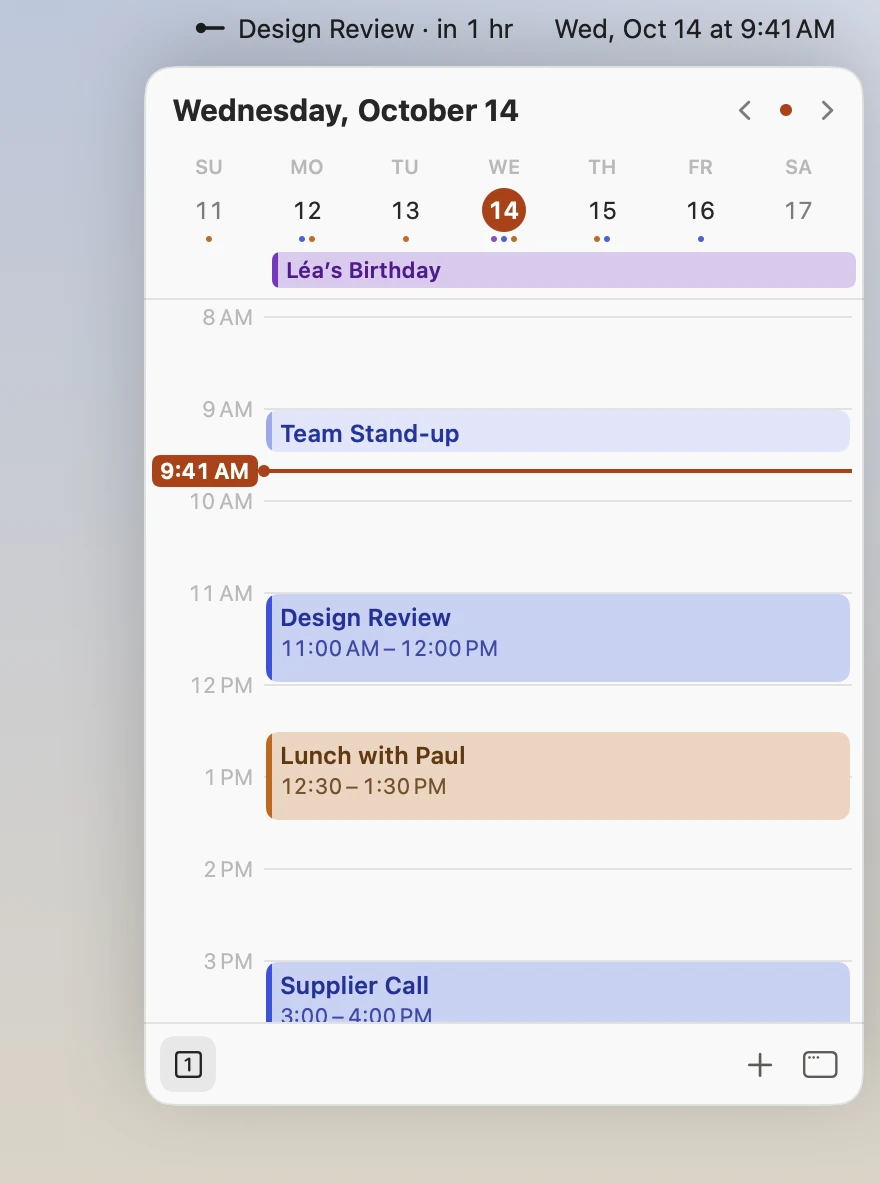
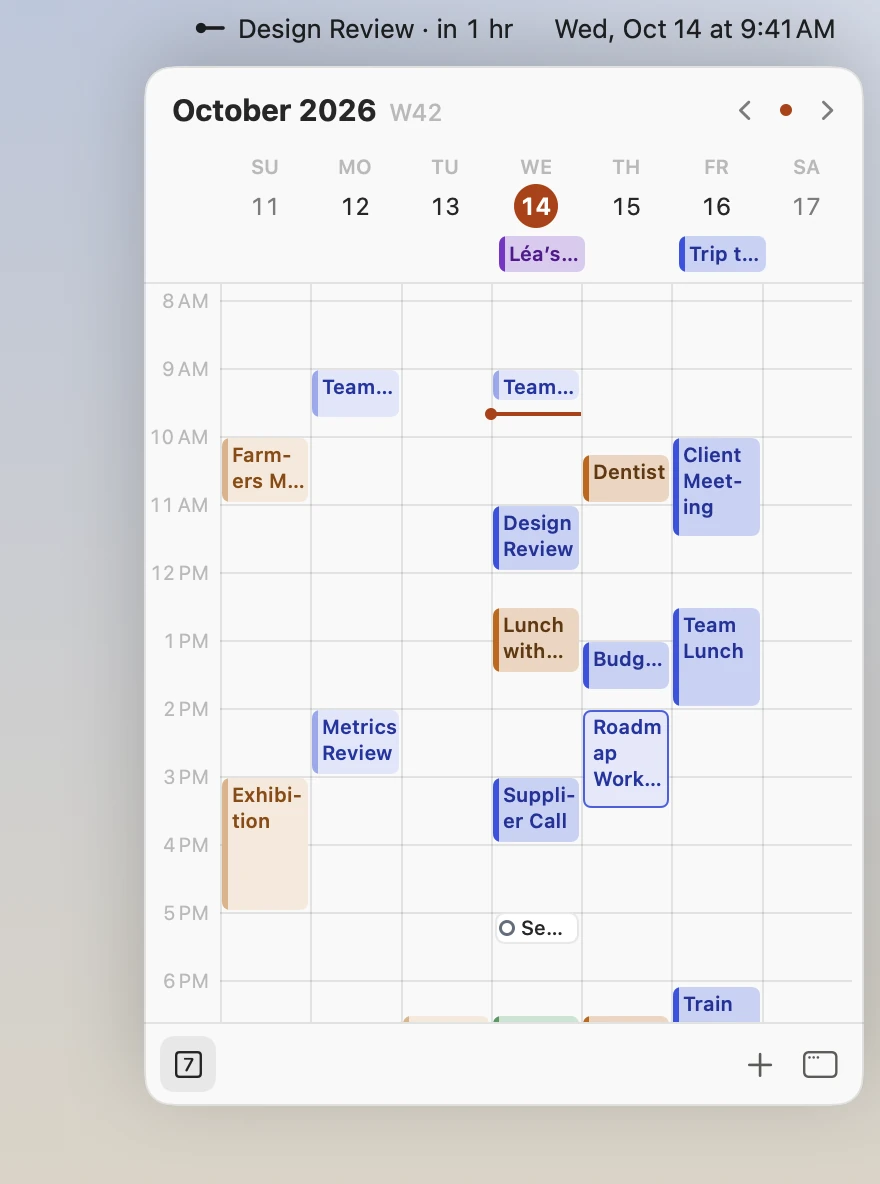
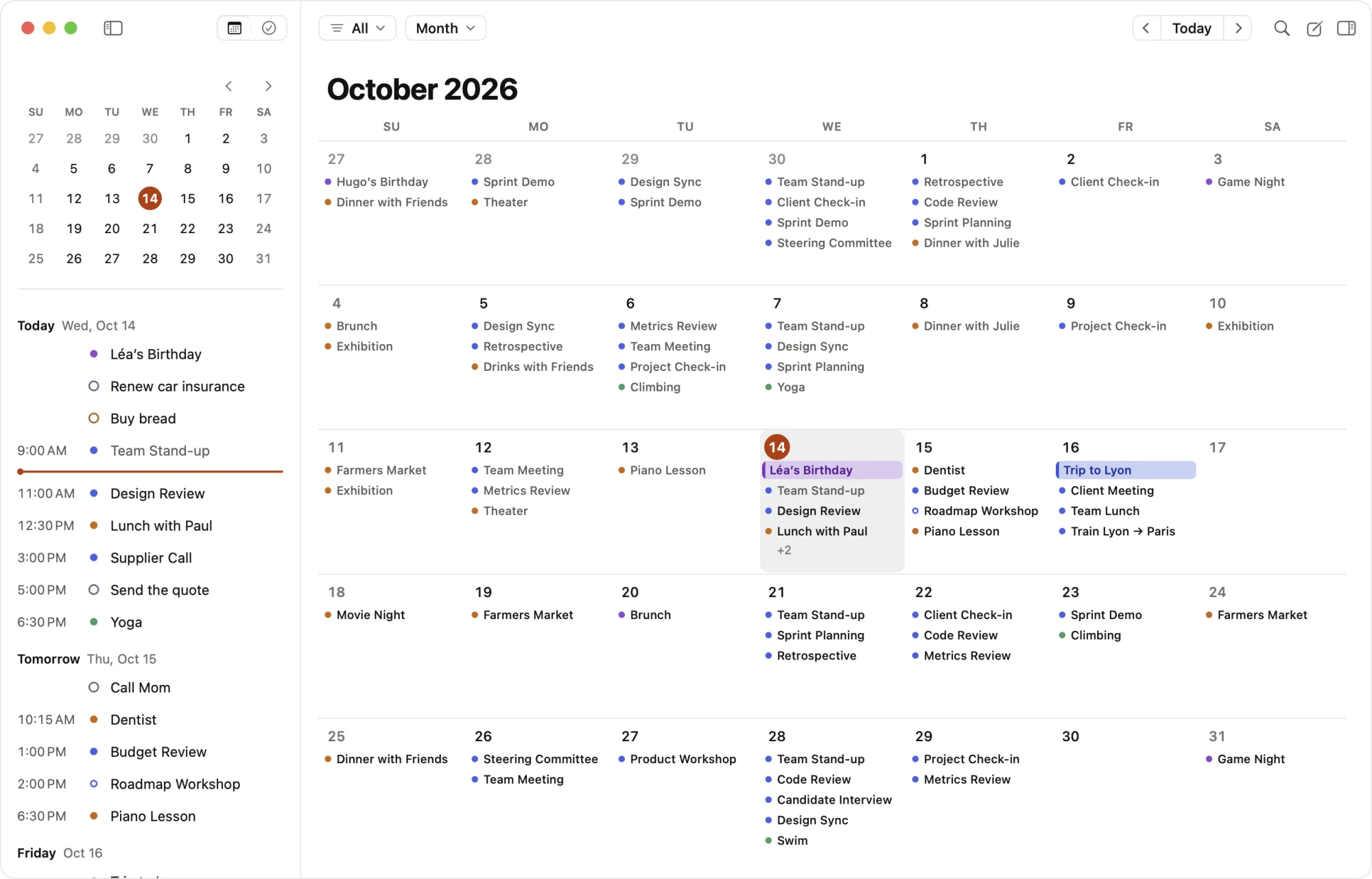
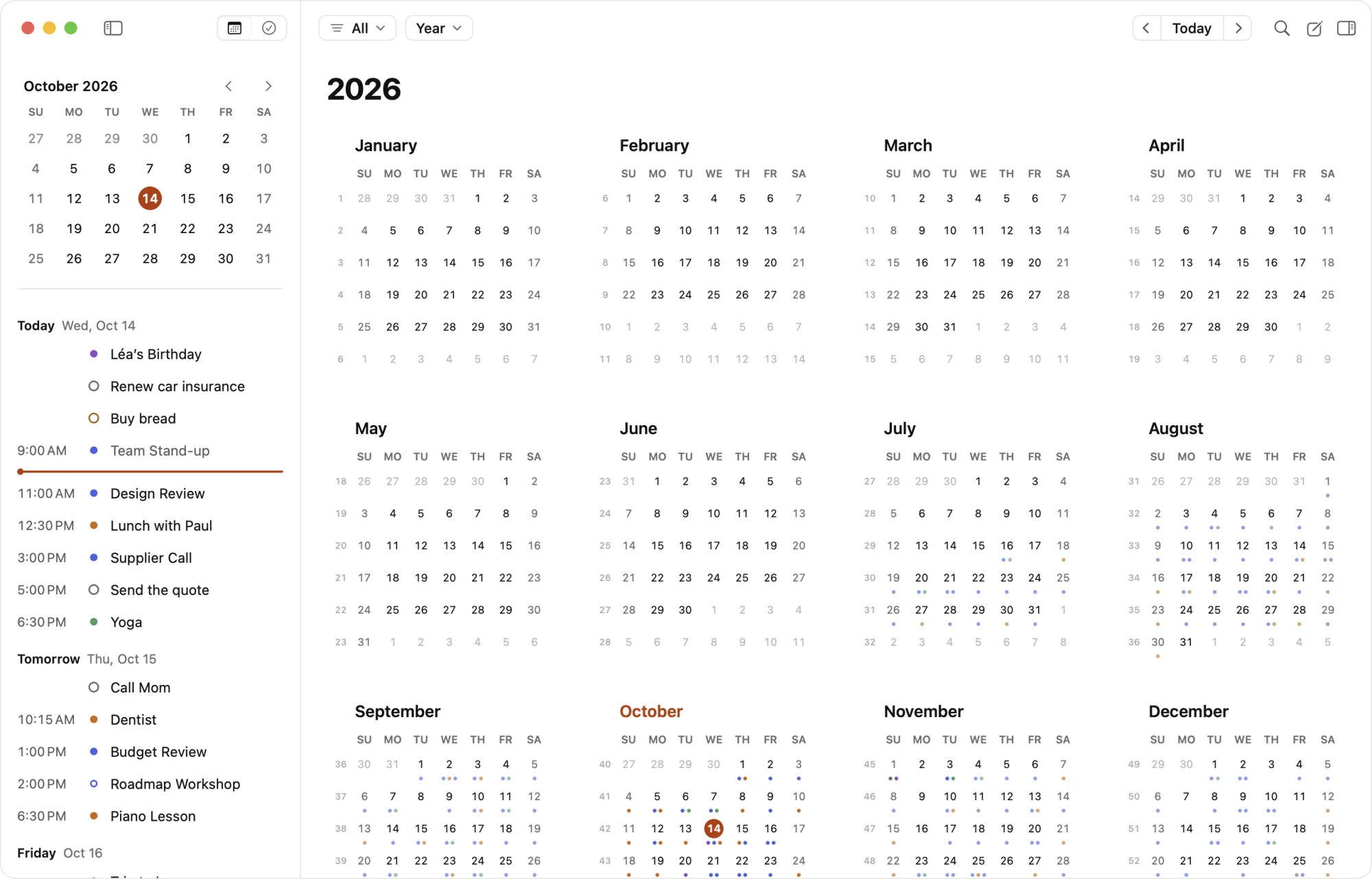
Day, week, month and year in one window, with a small month and your agenda at its side. Drag across free hours to make an event, drag it to move it, pull its edge to lengthen it. Swipe with two fingers to turn the page, pinch to change the view.

Classycal’s window on the month, each day with its events, the small month and the agenda beside it.

Built for the Mac.

A menu on every right click. Undo and redo, copy and paste, drop an .ics file on the window. Today’s date in the Dock. Widgets on the desktop.

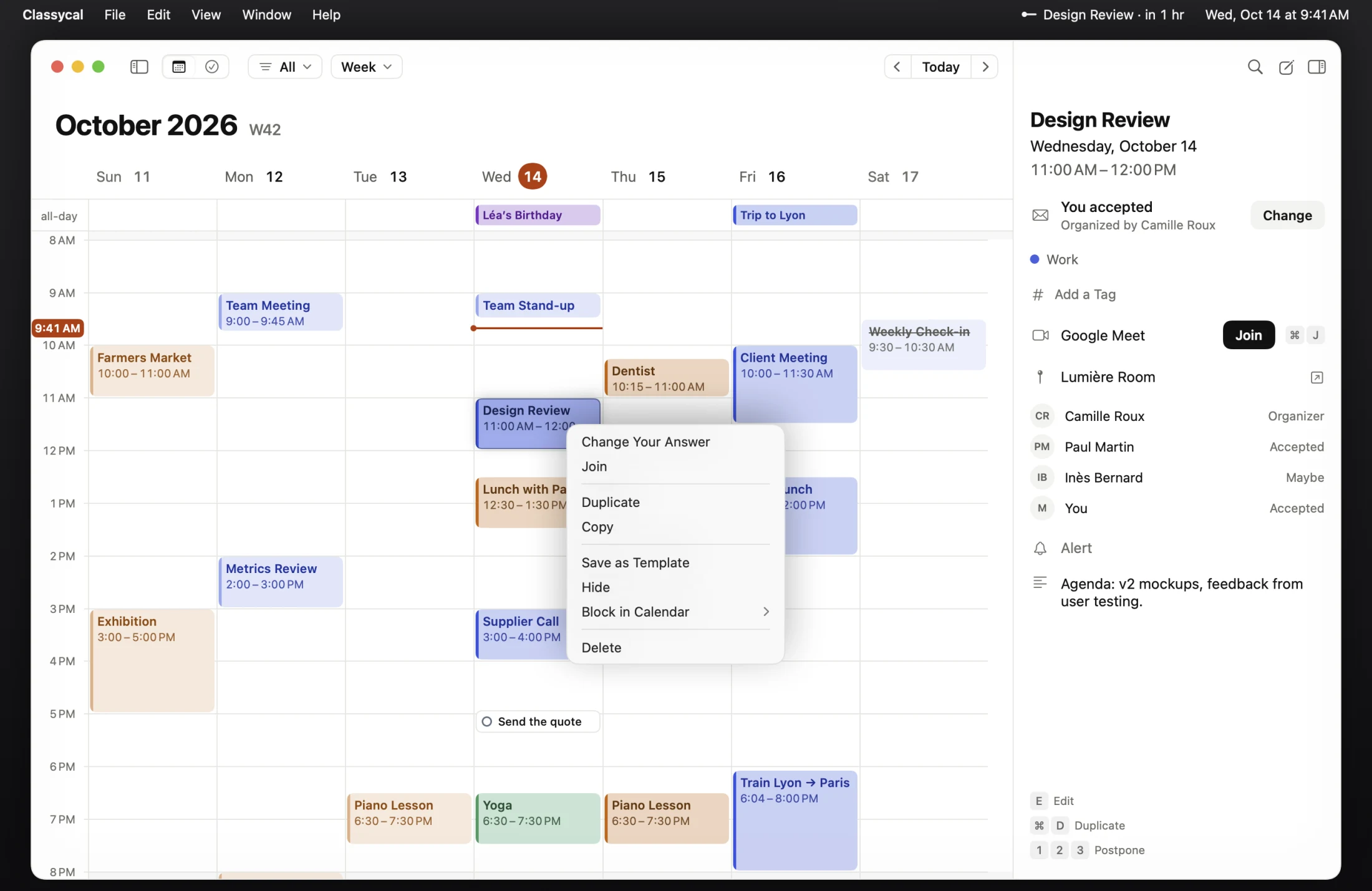
The week, the next meeting’s card in the inspector: Design Review, its call, its guests and their answers; its menu open on a right click.

Keyboard first.

Every action has its key: the views, the days, an event to duplicate, a task to complete or postpone. Change any of them in Settings, even the one that opens the command bar from any app. And a letter typed in the window opens the bar with it.

Keyboard Shortcuts
  • Open the Command Bar from Any App⌥⌘K
  • New event or task…⌘K
  • Today⌘T
  • Search⌘F
  • Duplicate⌘D
  • CompleteX
  • Postpone to Tomorrow1
  • Join Call⌘J

Your calendar in Claude.

Connect Claude in one click, from Classycal’s settings: nothing to set up by hand. Then ask about your days, or have them planned. Claude reads and writes your calendars and reminders through Classycal, right on your Mac.

With the Claude app for Mac.

Minimal outside. Maximal inside.

Nothing reaches us.

Classycal works with the calendars and reminders already on your Mac. No account, no tracking, no data collected.

With your iPhone.

The same calendars and reminders, and iCloud brings your sets, templates and tags. Classycal Plus works on both, with nothing more to pay.

No account. No subscription.

Free

The whole calendar, for good.

  • Every view, from the day to the year
  • The command bar, from any app
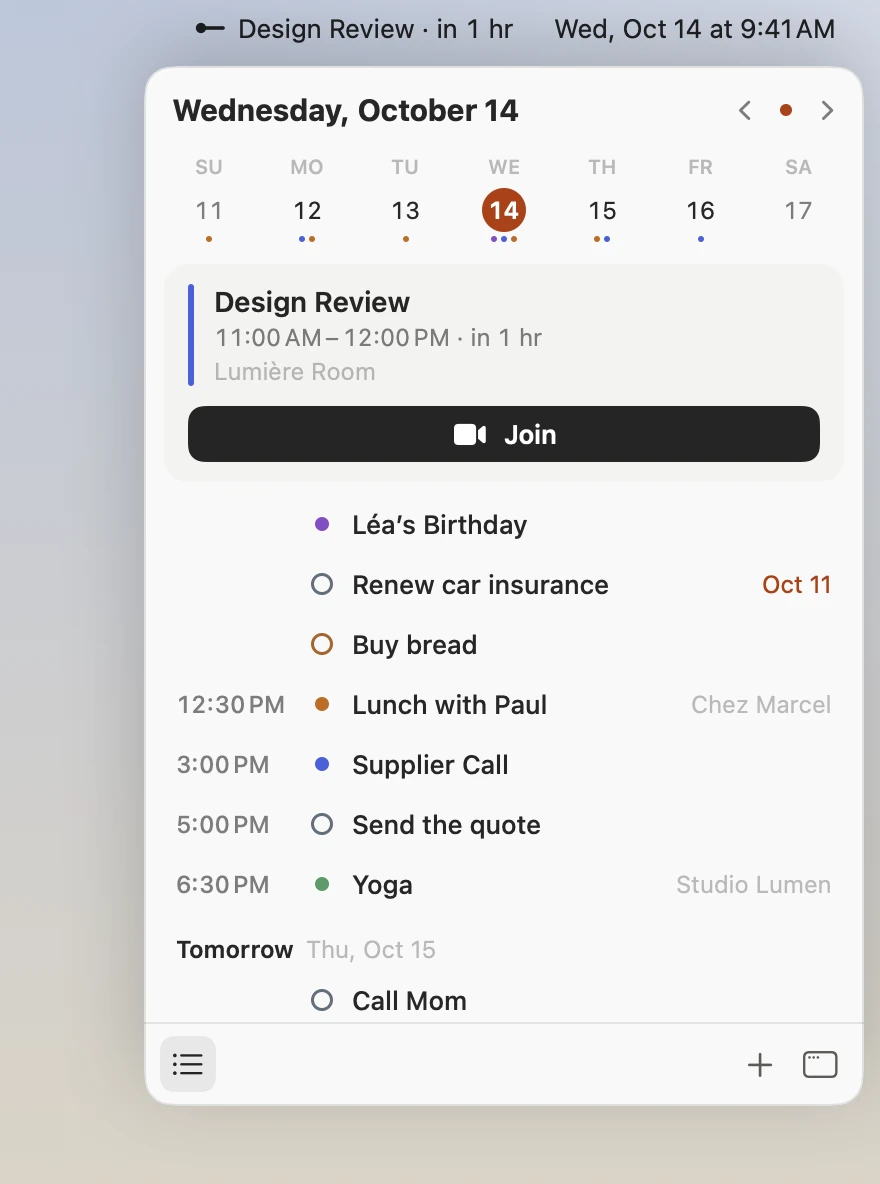
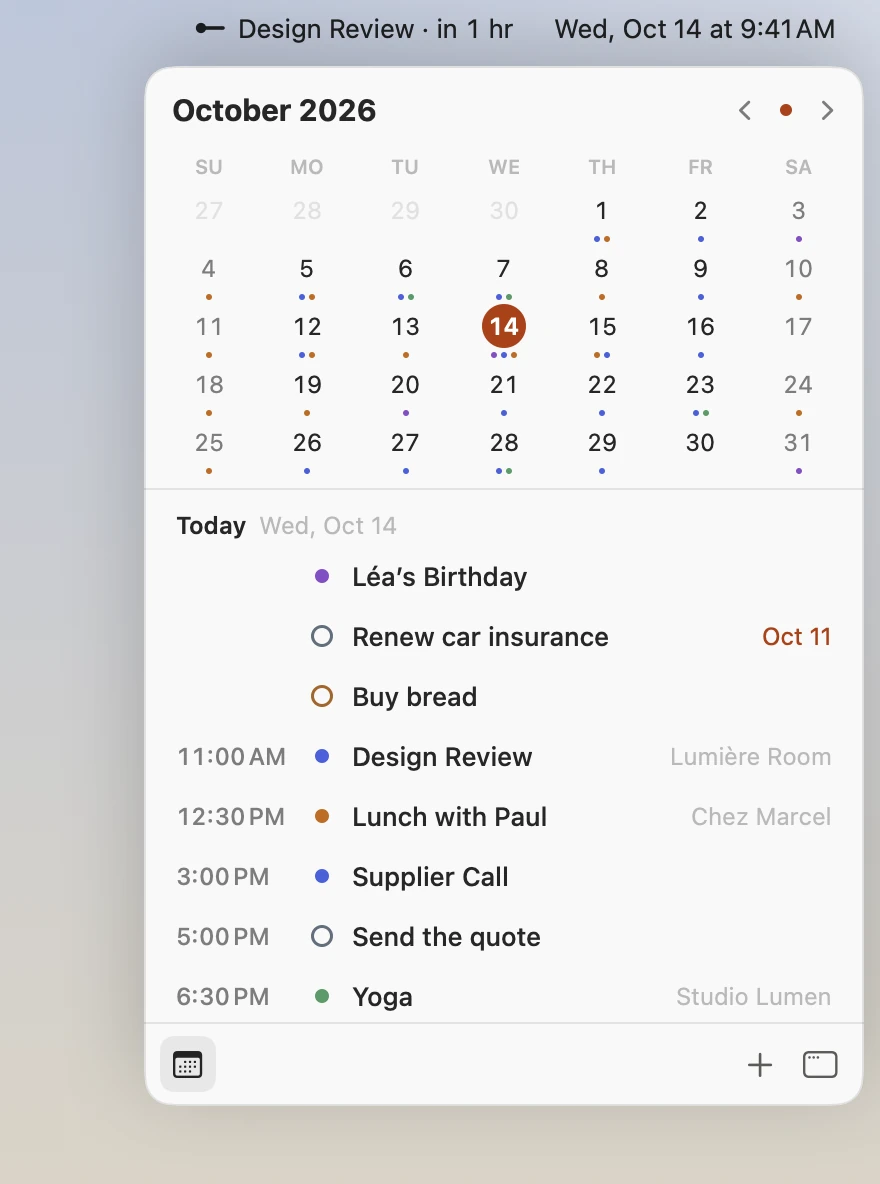
  • Your day in the menu bar
  • Plain words, understood as you type, in eleven languages
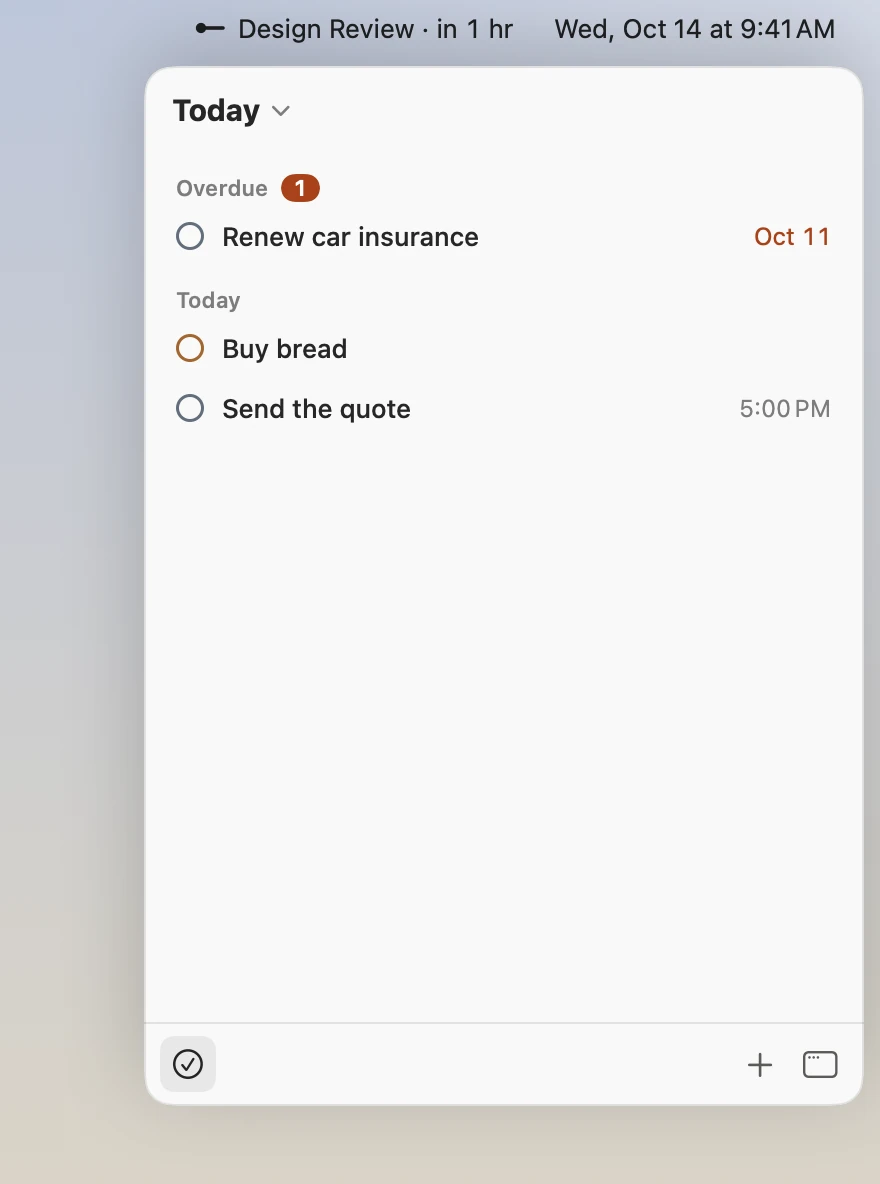
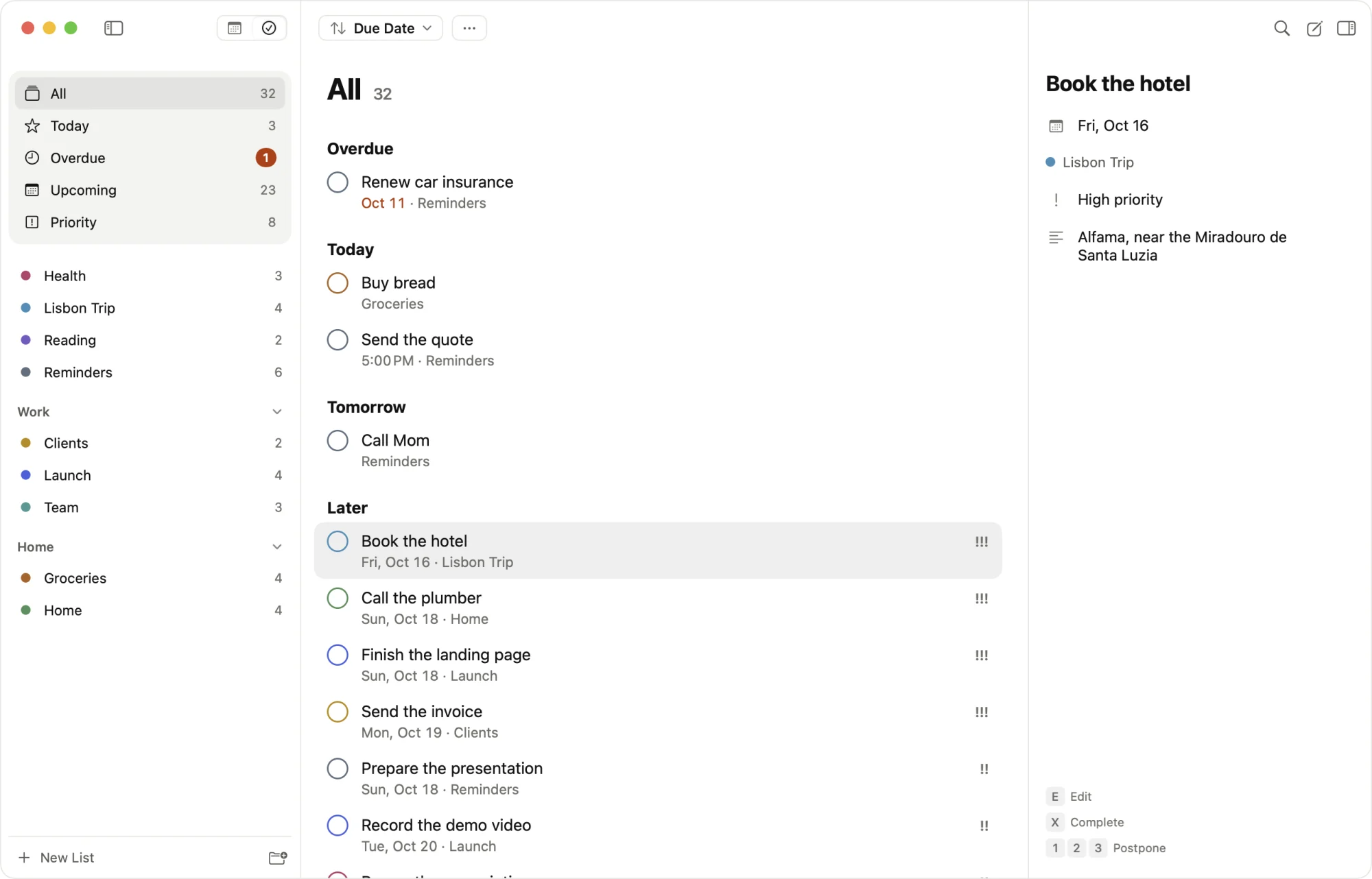
  • A complete task manager, on Apple Reminders
  • Smart lists: Today, Overdue, Upcoming, Priority
  • Invitations, alerts and places
  • Search across events and tasks
  • A morning summary
  • The Today, Upcoming and Tasks widgets
  • Duplicates merged, events hidden
  • A calendar set, chosen by hand
  • White and Black, Brick and Ink
  • Time zones, event by event

Launch offer · 50% offThrough Black Friday to November 30

$10Regular price $20per year

14 days free, then this price for as long as you stay subscribed.

  • Ten days of weather
  • Your calendar in Claude
  • Ten themes, and the serif
  • Blue, Green, Plum and Ochre accents
  • Twelve icons
  • List and set icons
  • List groups
  • Twenty sounds
  • Unlimited sets that switch on by themselves
  • Calendars blocked in others
  • Departure alerts
  • Templates
  • Tags in color
  • A second column of hours
  • The Month and Full Month widgets
  • The icon badge
  • Every feature still to come
  • On iPhone too: urgent alarms, meetings on the Lock Screen

And the support of an independent team.

Download on the Mac App Store

For Macs with Apple silicon, with macOS 26. In English, French, German, Spanish, Italian, Simplified and Traditional Chinese, Japanese, Korean, Polish and Brazilian Portuguese.

Classycal is on iPhone too.

Download on the App Store